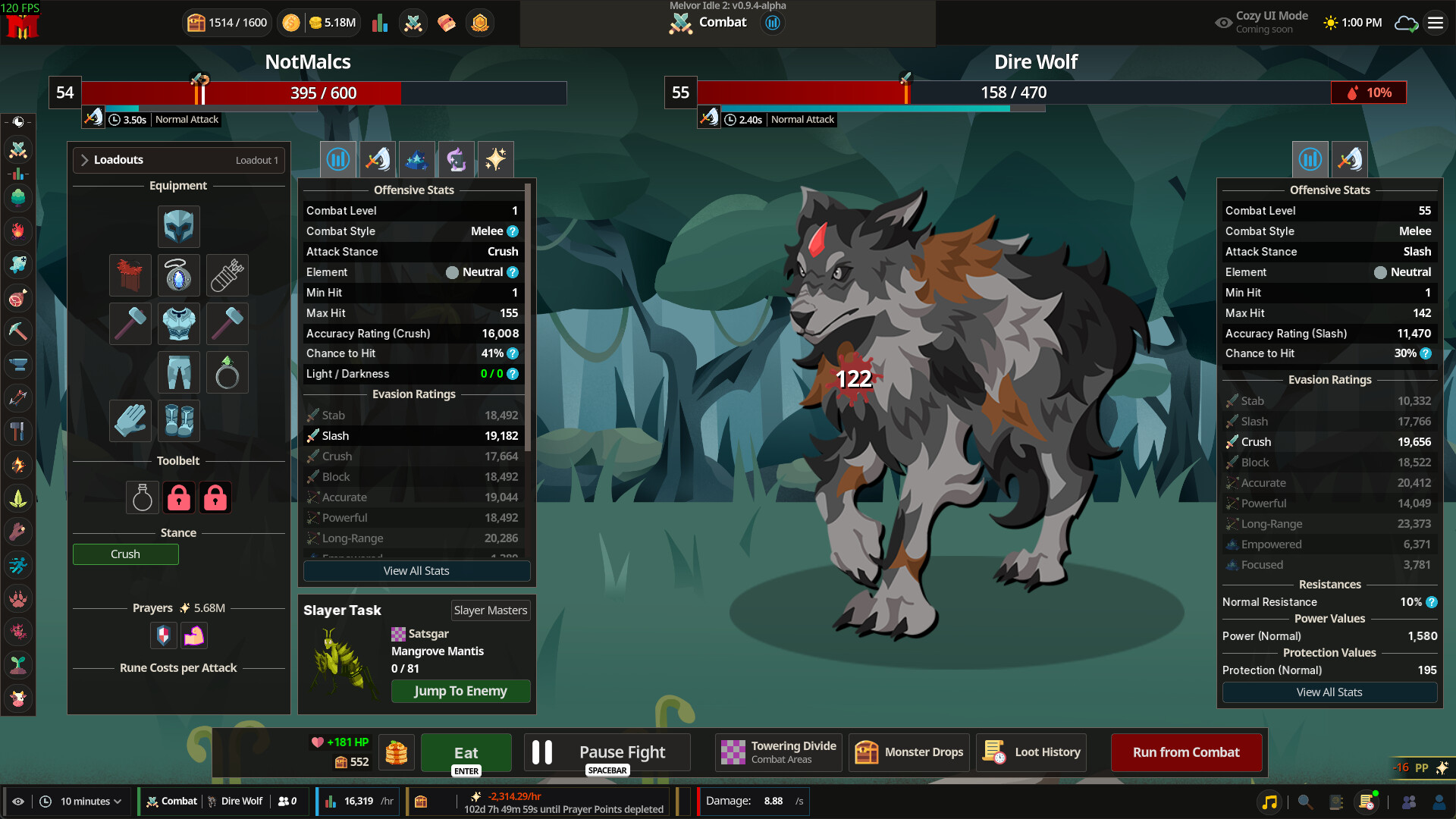
Use Current Action Tracking as a Melvor Idle 2 build planner by reading the hourly rates for the action you're running. It shows skill XP, items used and gained, and combat stats per hour, so you can estimate training time and compare setups by trying them in-game. The available official information confirms live tracking and leaves the availability of a dedicated build calculator open.
Calculate training time and supplies
Pick one skill milestone and work out how much XP you still need. Divide the remaining XP by the XP per hour shown in Current Action Tracking to estimate how many hours the current action will take. Multiply that estimate by the relevant item-use rate to see how much of each supply the action is likely to consume. Recalculate if you switch actions or the displayed rates change.
If you're gathering an item for another skill, compare how quickly you gather it with how quickly the later action uses it. Divide the quantity you still need by the gathering rate to estimate the prep time. After an offline session, check the Event Log for the progression breakdown and use what you gained to update your remaining target.
Compare combat setups for the same target
Choose the monster, dungeon, or boss you want to prepare for, then decide which setup to try first. If you can already fight the target, run your candidate setups against it and record the hourly combat stats and any item consumption you see. Keep the target the same when comparing Melee, Ranged, or Magic so the numbers refer to the same fight. If supplies are the limiting factor, use the item-use rate to estimate how long your stock will last with each setup.