For a quick look at Melvor Idle 2 gameplay, our guide to the 1-minute, 10-second Early Access launch trailer shows where to watch it on Steam. The RuneScape-inspired single-player idle RPG lets you train skills, follow story quests, and take on monsters, dungeons, and bosses at your own pace. Progress continues while you're offline, and our offline progress guide explains how to check what happened while you were away in the Event Log.
Where to watch the gameplay trailer
Select “Gameplay Early Access Launch Trailer” in the Trailers & Screenshots gallery on the game's Steam page (https://store.steampowered.com/app/3218350/Melvor_Idle_2_A_RuneScape_Adventure/). Browse the screenshots in the same gallery for a closer look at the interface. The official website's Trailer section also offers a “watch on YouTube” link for the video on that page (https://www.youtube.com/watch?v=NhEuYBsIZuk).
How skills, combat, and quests fit together
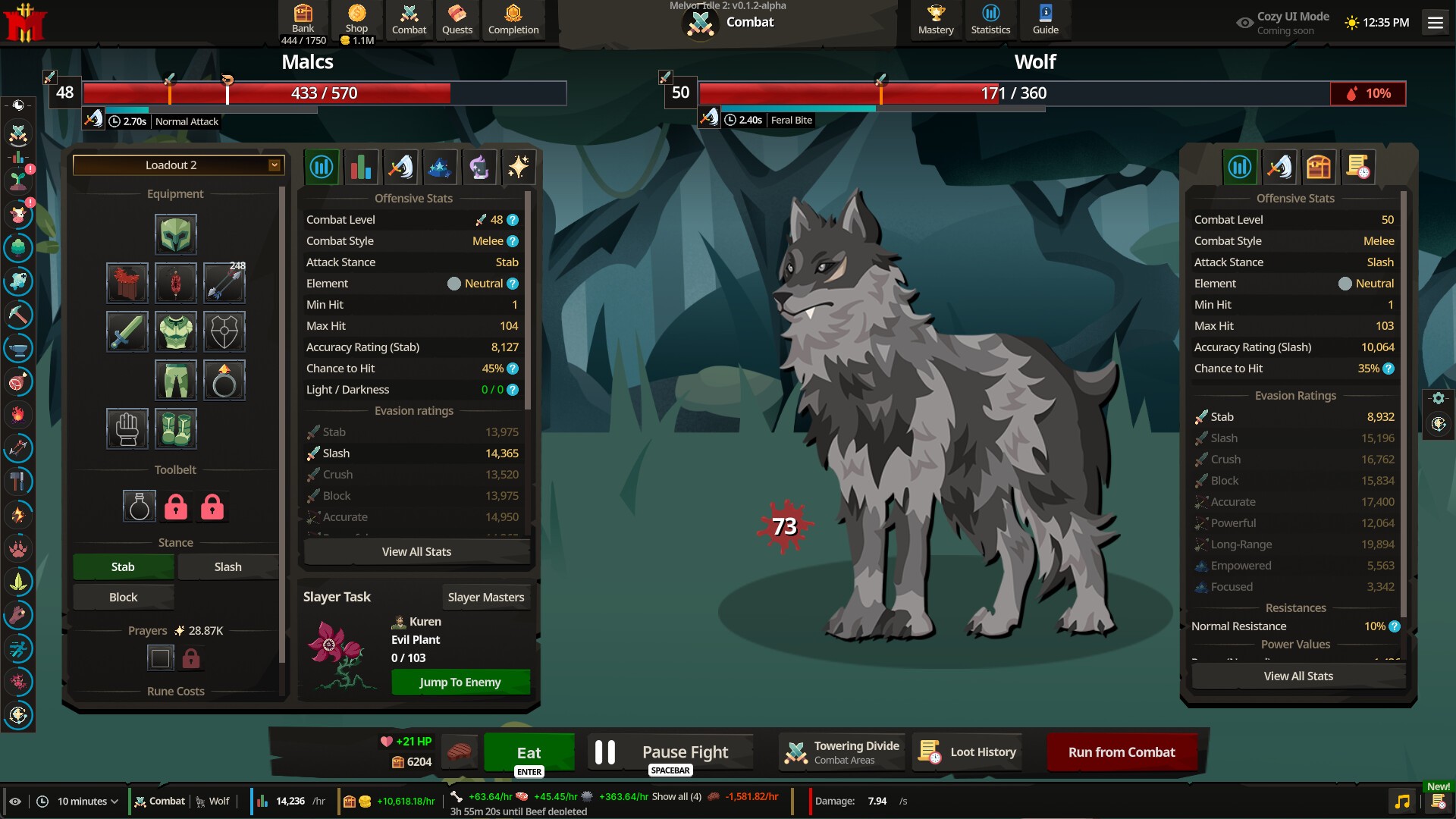
You start an activity with a click or tap, and progress in one skill can benefit others. Woodcutting, Smithing, Cooking, and Farming are examples of skills you can train as you build up your character. In combat, you can use Melee, Ranged, or Magic to fight monsters and take on dungeons and bosses. Story quests take you through Melvor's history and include their own skilling activities and bosses.
Steam's gameplay overview lists Current Action Tracking, which reports hourly rates for skill XP, items used and gained, and combat stats. The Event Log also records milestones you might have missed during a session. If you're interested in a specific skill or combat feature, check Steam's Early Access section, where the developers say some skills, combat content, and quality-of-life features are still planned.